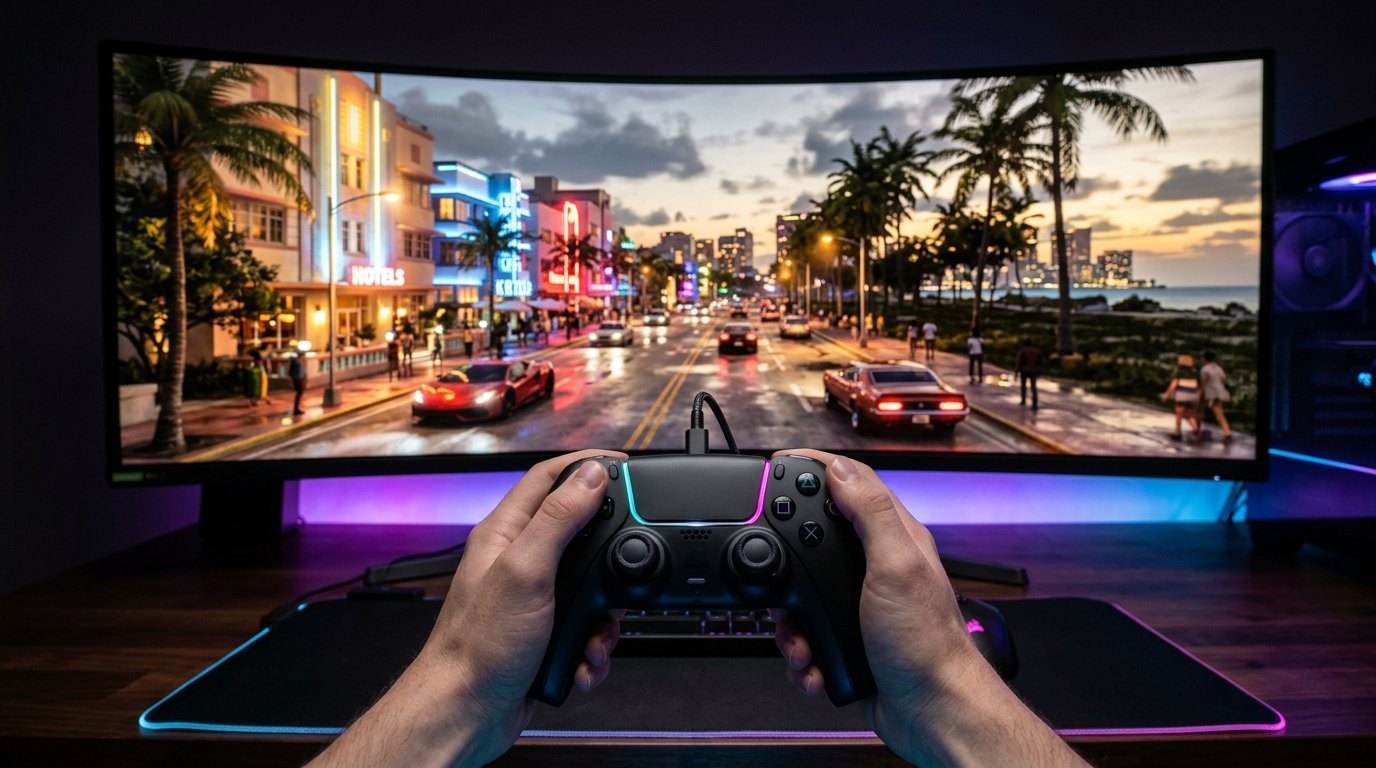
The best controller settings for GTA 6 prioritize responsive aiming, eliminate stick drift, and disable motion blur to provide clean, competitive precision on PlayStation 5 (DualSense) and Xbox Series X|S controllers. Out of the box, default camera sensitivity can feel sluggish, and aggressive post-processing effects often obscure enemy targets during high-speed chases.
In this optimization guide, we provide the ultimate competitive controller layout, aim assist calibration, and display tweaks to transform your gameplay experience.
Recommended Controller Settings (PS5 & Xbox)
| Setting Parameter | Recommended Value | Why This Value is Best |
|---|---|---|
| Aim Assist Mode | Assisted Aim – Partial | Locks onto targets briefly upon ADS without forcing rigid aim snapping. |
| Look Sensitivity (Horizontal) | 6 / 10 | Fast enough to check blind spots while maintaining smooth driving control. |
| Aiming Sensitivity | 5 / 10 | Precise micro-adjustments for landing clean headshots behind cover. |
| Stick Deadzone (Inner) | 0.05 | Eliminates phantom stick drift without introducing delayed input response. |
| Trigger Effect Intensity (PS5) | Medium | Delivers satisfying weapon recoil resistance without causing finger fatigue. |
Crucial Display & Camera Tweaks
To ensure crystal-clear visual clarity across Leonida, adjust these three graphical toggles immediately:
- Motion Blur: Set to 0% (Off). Disabling motion blur removes annoying smeared textures when turning the camera rapidly at 60 FPS.
- Film Grain: Set to 0% (Off). Eliminates artificial digital noise, making dark Vice City alleyways significantly sharper.
- Camera Shake: Set to Low (50%). Reduces disorienting screen tremors during explosions and high-speed crashes.
Combine these tweaks with our 60 FPS performance guide to achieve the ultimate visual experience.
Frequently Asked Questions (FAQ)
Should I use Free Aim or Assisted Aim?
For story mode and casual freeroam, Assisted Aim – Partial provides the most enjoyable balance. If you are playing competitively with friends, Free Aim demands more skill and offers higher precision rewards.
Final Verdict
Tuning your controller settings takes less than two minutes and drastically improves your shooting accuracy and driving reflexes. Drop deadzones to 0.05, disable motion blur, and enjoy the smoothest combat experience in Vice City!