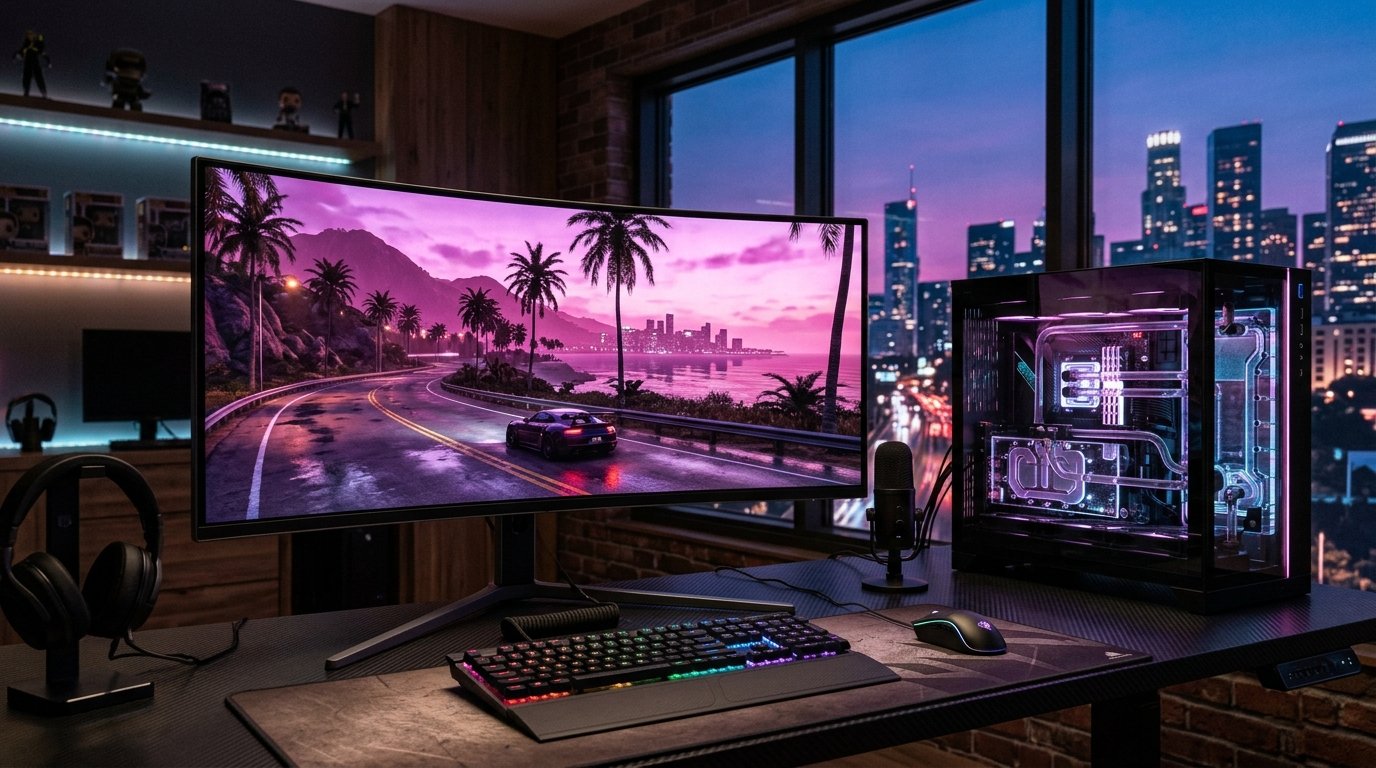
Yes, GTA 6 is widely expected to support Windows 10 64-bit (specifically Version 22H2 or newer) alongside Windows 11 when Rockstar Games eventually delivers the PC port. However, launching an ambitious, next-generation open world on an aging operating system creates a unique technical clash. With Microsoft officially ending mainstream security updates for Windows 10 on October 14, 2025, PC gamers face critical questions regarding DirectX 12 Agility SDK integration, DirectStorage asset streaming, and evolving kernel-level anti-cheat protocols.
For millions of PC enthusiasts who have deliberately postponed migrating to Windows 11, understanding how Rockstar Games will balance legacy OS compatibility against cutting-edge console architectures (PS5 and Xbox Series X|S) is crucial. In this deep technical breakdown, we examine whether Windows 10 can truly handle Vice City, how the Microsoft lifecycle affects the PC launch timeline, and what hardware trade-offs you must prepare for.
The Core Question: Will Rockstar Support Windows 10 at Launch?
To determine if GTA 6 will run on Windows 10, we must look at both Rockstar’s historical engineering decisions and the broader state of the PC gaming ecosystem:
- Steam Hardware Survey Realities: As of mid-2025, approximately 45% to 50% of active Steam gamers still operate on Windows 10 64-bit. Commercial reality dictates that Rockstar Games and Take-Two Interactive cannot arbitrarily alienate half of their potential addressable PC market on day one.
- The 64-Bit Exclusivity Mandate: 32-bit operating systems are completely obsolete for modern AAA gaming. GTA 6 will strictly demand a 64-bit architecture, requiring Windows 10 Build 19045 (Version 22H2) or higher to utilize modern Windows runtime libraries.
- The Console Baseline Architecture: Both the PlayStation 5 and Xbox Series consoles rely on high-speed NVMe solid-state storage, hardware-accelerated ray tracing, and specialized I/O pipelines. Replicating this fidelity on PC requires modern APIs that push Windows 10 to its absolute limits.
While the game will boot and execute on updated Windows 10 installations, performance, background asset streaming, and security certifications will heavily favor modern Windows 11 configurations.
The 2025 Dilemma: Microsoft End-of-Support vs Rockstar PC Timeline
The primary concern among enthusiasts stems from calendar friction. Microsoft has marked October 14, 2025 as the official End of Support (EOS) for Windows 10 Home and Pro editions. After this date, Microsoft halts free security patches, non-security updates, and technical assistance for standard consumer installations.
As documented in our comprehensive analysis on how long after console GTA 6 will release on PC, Rockstar historically enforces a 12-to-18-month gap between console debuts and PC ports. With GTA 6 targeting an initial console release window, the PC edition is positioned for a late 2026 or early 2027 arrival.
This timeline means GTA 6 PC will hit virtual shelves a full year after Windows 10 enters official obsolescence. Does this mean Rockstar will ban Windows 10? Not necessarily, but it introduces three major obstacles:
- GPU Driver Certification: Nvidia, AMD, and Intel will eventually prioritize Game Ready drivers exclusively for Windows 11, gradually slowing hotfix deployment for Windows 10.
- Rockstar Games Launcher Runtime: The digital distribution client requires updated Chromium embedded frameworks and security handshake certificates, which may drop unpatched OS versions over time.
- Extended Security Updates (ESU): Gamers wishing to remain safely on Windows 10 while playing online may have to enroll in Microsoft’s paid Consumer ESU program to protect against zero-day exploits.
DirectX 12 Ultimate & The DirectX 12 Agility SDK Advantage
A frequent myth circulating gaming forums is that advanced graphical features—such as Mesh Shaders, Sampler Feedback, and DirectX Raytracing (DXR) Tier 1.1—require Windows 11. Fortunately for Windows 10 users, Microsoft solved this fragmentation problem with the DirectX 12 Agility SDK.
The Agility SDK allows game developers to ship cutting-edge DirectX 12 features directly within the game binary, rather than relying on operating system-level service pack updates. Because GTA 6 is heavily built around continuous geometry streaming and dense global illumination (as explored in our breakdown of GTA 6 graphics modes and ray-tracing overhead), Rockstar’s RAGE engine can theoretically deploy its latest rendering pipelines on Windows 10 Build 1909 or newer without OS gatekeeping.
💡 Tech Note: Hardware-Accelerated GPU Scheduling (HAGS)
Windows 10 does include support for Hardware-Accelerated GPU Scheduling (HAGS), which is essential for technologies like Nvidia DLSS 3 Frame Generation. However, Windows 11 features refined kernel-level scheduling queues that yield slightly lower input latency during aggressive frame reconstruction.
DirectStorage & Asset Streaming: Where Windows 10 Lags Behind
The biggest architectural battleground for GTA 6 on PC will not be raw rasterization—it will be I/O throughput and asset streaming. The state of Leonida features an unprecedented scale of high-density foliage, volumetric water simulation, and rapid vehicle navigation through metropolitan Vice City.
On PlayStation 5, custom hardware decompression chips stream gigabytes of raw data directly from the SSD to memory in milliseconds. On Windows PCs, this pipeline relies on Microsoft DirectStorage 1.2+.
| Feature / Pipeline | Windows 10 (22H2) | Windows 11 (24H2) |
|---|---|---|
| DirectStorage GPU Decompression | Supported via standard driver hooks, but passes through legacy storage stack with higher CPU overhead. | Optimized Native Bypass: Direct communication bypasses CPU entirely, maximizing NVMe transfer rates. |
| Storage Device Requirement | SATA SSD or NVMe PCIe 3.0 (Mechanical HDDs will suffer heavy asset pop-in). | NVMe PCIe 4.0 or Gen 5 Recommended for seamless high-speed traversal. |
| Hybrid CPU Scheduling (Intel P/E Cores) | Standard round-robin scheduler; occasional background thread misassignment. | Intel Thread Director: Flawless task routing between performance and efficiency cores. |
| Display & HDR Color Pipeline | Manual HDR toggle; lacks auto-tone mapping adjustments. | Auto HDR & Color Management: Superior specular highlights for neon Vice City nightscapes. |
| Anti-Cheat Security Integrity | Standard kernel-level driver permissions; vulnerable to ring-0 bypasses. | VBS & TPM 2.0 Hardening: Virtualization-based security isolates sensitive cheat detection vectors. |
While Windows 10 users with fast PCIe NVMe SSDs will still enjoy rapid loading screens, Windows 11 systems will retain an unmistakable advantage in eliminating micro-stutters and sudden texture pop-in during 150 MPH supercar sprints down Ocean Drive.
Anti-Cheat & Security: Could Rockstar Enforce TPM 2.0?
One potential roadblock for Windows 10 purists is the evolving anti-cheat infrastructure for GTA Online’s next iteration. Competitive and shared multiplayer ecosystems face unprecedented attacks from hardware memory injectors and hypervisor cheats.
Rockstar Games recently integrated BattlEye into GTA 5 PC, demonstrating their active commitment to tightening security boundaries. If Rockstar elects to implement mandatory TPM 2.0 (Trusted Platform Module), Secure Boot, or Virtualization-Based Security (VBS)—standards already enforced by competitive titles like Valorant on Windows 11—older motherboard platforms operating on Windows 10 without TPM modules enabled will face verification failures.
For players whose hardware technically supports TPM 2.0 and Secure Boot within the BIOS, Windows 10 can satisfy these checks. However, if Rockstar makes Windows 11’s core integrity enforcement mandatory, older rigs will hit an immovable barrier.
Predicted GTA 6 PC System Requirements
Based on our hardware benchmarking and Digital Foundry’s console telemetry, here is what your Windows 10 or Windows 11 PC will realistically need to maintain consistent frame pacing. For more in-depth tuning advice, consult our dedicated guide on how to get 60 FPS gameplay in GTA 6.
Minimum Specifications (1080p / 30 FPS)
- OS: Windows 10 64-bit (22H2 with latest cumulative updates)
- Processor: Intel Core i5-10600K / AMD Ryzen 5 3600X
- Memory: 16 GB Dual-Channel RAM
- Graphics: Nvidia GeForce RTX 2060 (6GB) / AMD Radeon RX 5700 (8GB)
- DirectX: Version 12 (Agility SDK compliant)
- Storage: 150 GB available space (SATA III SSD mandatory, No HDD)
Recommended Specifications (1440p / 60 FPS)
- OS: Windows 11 64-bit (24H2) or Windows 10 (22H2)
- Processor: Intel Core i7-12700K / AMD Ryzen 7 7700X
- Memory: 32 GB DDR4 / DDR5 RAM
- Graphics: Nvidia GeForce RTX 4070 (12GB) / AMD Radeon RX 7800 XT (16GB)
- Upscaling: DLSS 3.5 / FSR 3.1 enabled with Frame Gen
- Storage: 150 GB NVMe M.2 PCIe 4.0 SSD (DirectStorage enabled)
How to Optimize Windows 10 for GTA 6 If You Refuse to Upgrade
If you plan to stay on Windows 10 through the GTA 6 PC launch, take these four proactive maintenance steps to ensure maximum system readiness:
- Verify Version 22H2: Press
Win + R, typewinver, and press Enter. Ensure your OS build is at least 19045. Earlier builds will fail modern graphics library initialization. - Enable Hardware-Accelerated GPU Scheduling: Navigate to Settings > System > Display > Graphics Settings and toggle Hardware-Accelerated GPU Scheduling to “On.” Restart your PC to allow lower frame-generation latency.
- Eliminate Pagefile Bottlenecks on HDDs: Ensure your virtual memory paging file is assigned exclusively to your fastest NVMe M.2 drive, never to an auxiliary mechanical hard disk.
- Keep BIOS & Chipset Drivers Current: Install the latest AGESA microcode (for AMD Ryzen) or Intel ME firmware to ensure full TPM 2.0 stability under Windows 10.
For players running older legacy setups who cannot upgrade their operating system or hardware components, exploring streaming alternatives may be the smartest route. Read our breakdown on how cloud gaming allows older platforms to play GTA 6 on day one without local hardware barriers.
Frequently Asked Questions (FAQ)
Can I play GTA 6 on Windows 10 32-bit?
No. 32-bit operating systems cannot address more than 4GB of system memory. GTA 6 requires massive virtual memory allocations and is exclusively compiled for 64-bit instruction sets (x86-64).
Will Rockstar Launcher block Windows 10 after October 2025?
Not immediately. When Microsoft ended support for Windows 7 and 8.1 in January 2023, Rockstar Games continued supporting their launcher on those operating systems for an additional full year before officially dropping compatibility in January 2024. Expect a similar grace window for Windows 10.
Does Windows 11 run GTA 6 faster than Windows 10?
In pure rasterization scenarios, performance will be comparable within 2% to 4%. However, systems utilizing Intel 12th, 13th, or 14th Gen hybrid processors (P-cores and E-cores) and DirectStorage SSD pipelines will experience significantly fewer 0.1% low framerate dips and cleaner asset streaming on Windows 11.
Will I need an SSD to run GTA 6 on PC?
Yes. Mechanical hard drives (7200 RPM or 5400 RPM HDDs) will not be supported for GTA 6. The streaming engine is architected around high-bandwidth solid-state storage. Attempting to run the game from an HDD will result in game freezes, missing textures, and audio desynchronization.
Final Verdict: Should You Upgrade Before GTA 6 PC Drops?
You do not need to panic-upgrade to Windows 11 today. Windows 10 64-bit (22H2) possesses the architectural plumbing—thanks to the DirectX 12 Agility SDK and WDDM driver updates—to execute GTA 6.
However, by the time Rockstar Games rolls out the PC version in 2026 or 2027, staying on Windows 10 will mean operating an unsupported, unpatched OS without official Microsoft security backing. For the smoothest experience, zero anti-cheat friction, and native DirectStorage decompression, preparing a migration path to Windows 11 before launch day remains the most future-proof decision for every serious PC gamer.






3 thoughts on “Will GTA 6 Work on Windows 10? Minimum OS Requirements, DirectX 12 Agility SDK & The End-of-Support Problem Explained”